Download the tool
Download the tool from the NZESL Tech Hub HERE.
Usage
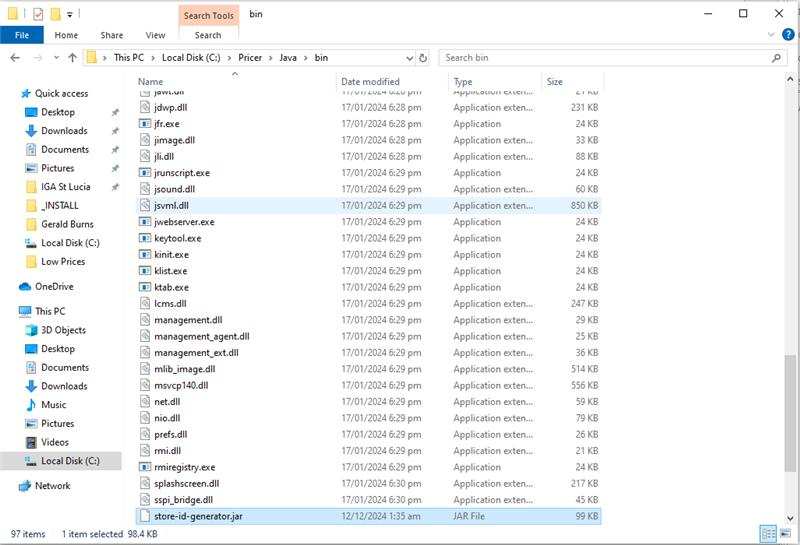
Copy store-id-generator.jar into C:\Pricer\Java\bin on the target machine you are wanting to generate a Store ID for:
Open Windows PowerShell or Command Prompt and enter the following command:
C:\Pricer\Java\bin\java.exe -jar "C:\Pricer\Java\bin\store-id-generator.jar"
This will run the tool and return a Store ID that you can then use to request a license for OnPrem.
Was this article helpful?
That’s Great!
Thank you for your feedback
Sorry! We couldn't be helpful
Thank you for your feedback
Feedback sent
We appreciate your effort and will try to fix the article